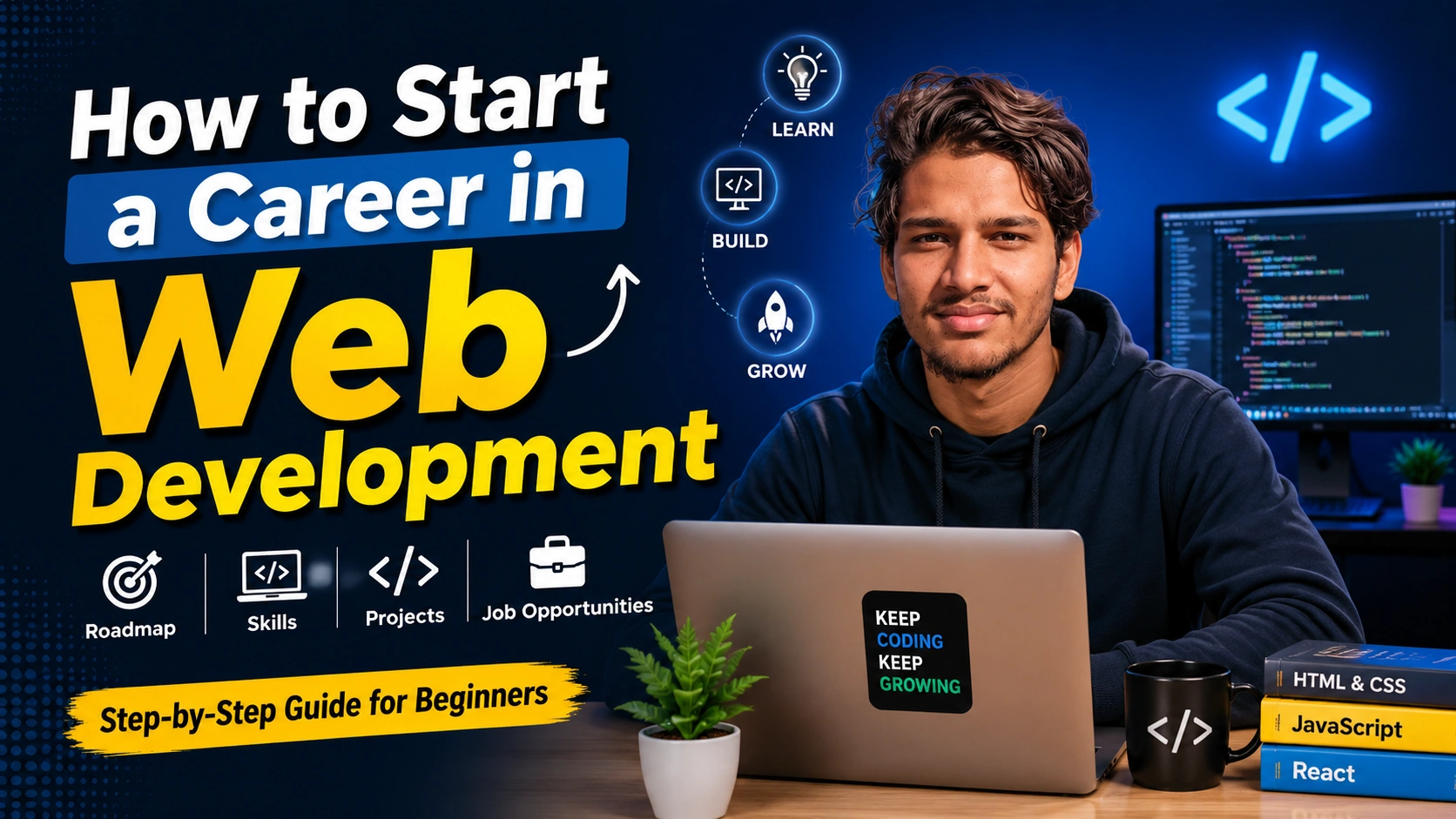
How to Start a Career in Web Development.
Want to build websites and get paid for it? Here's exactly how to start from zero.
Why Web Development Is A Good Choice Right Now
Let me be honest. Web development is one of the best careers to start right now. Here's why. Companies need websites. They always have. They always will. Almost every business needs someone to build their website, fix their website, or update their website. That's your job opportunity.
Also, you can start from your bedroom. You don't need a fancy office or expensive equipment. Just a laptop and internet. You can learn for free. You can practice for free. You can literally start making money while you're still learning. That's rare in most careers.
The money is good too. A beginner web developer can make decent money. An experienced one makes really good money. Freelancers in Nepal can make 500 to 1000 dollars per project. People working remotely make even more. It's a viable career path.
What Exactly Is Web Development?
The Simple Version
Web development is building websites. That's it. You learn to code. You use that code to create websites. People pay you to do it. Simple.
Frontend Development
This is what people see and click on. The buttons. The colors. The layout. The animations. Everything a user interacts with. Frontend developers learn HTML (structure), CSS (styling), and JavaScript (making things interactive).
Backend Development
This is the stuff behind the scenes. How the website stores data. How it handles logins. How it processes payments. Users don't see this, but it's crucial. Backend developers learn languages like Python, JavaScript (Node.js), PHP, or Java.
Full Stack Development
This is doing both frontend and backend. You learn everything. You can build an entire website from start to finish. This is what most people aim for because it makes you more valuable.
Quick Tip: Most beginners start with frontend because it's more visual and easier to see results. Then they move to backend. Then they become full stack.
What You Actually Need To Learn
The Basics (Everyone Needs These)
HTML: This is the foundation of every website. It's the structure. It tells the browser what things are. Paragraphs, headings, buttons, forms. Learning HTML takes maybe a week if you're focused.
CSS: This makes things look nice. Colors, fonts, layouts, animations. HTML is the skeleton. CSS is the skin. Learning CSS takes a couple weeks.
JavaScript: This makes things interactive. When you click a button and something happens. When you fill out a form and it checks if you entered valid data. That's JavaScript. This takes longer to learn because it's the first real programming language.
For Frontend Developers
After HTML, CSS, and JavaScript, you learn frameworks. React is popular. Vue is simpler. Angular is more complex. These make building complicated websites easier. Pick one and learn it really well.
For Backend Developers
Pick a language. Python is good for beginners. Node.js (JavaScript) is good if you want to use the same language for frontend and backend. PHP is easy but older. Pick one. Learn databases. Learn how to handle requests and responses. That's the core.
Step By Step Roadmap To Getting Started
1Learn HTML and CSS
This is your foundation. Spend 3-4 weeks learning these. There are free resources everywhere. YouTube, FreeCodeCamp, Codecademy. Pick one and go through their tutorials.
2Build Some Small Projects
Make a personal website. Make a portfolio page. Make a blog template. Don't copy tutorials exactly. Change things. Add your own ideas. This is how you actually learn.
3Learn JavaScript
This is the big step. JavaScript is a real programming language. It takes longer to learn. Maybe 4-8 weeks if you're serious about it. Do the same thing. Watch tutorials. Build projects.
4Build A Real Project
Now make something useful. A calculator. A todo app. A weather app. Something that actually works and does something. This project goes in your portfolio.
5Learn A Framework
Once you're comfortable with JavaScript, learn React or Vue. This makes building complicated websites easier. Spend 3-4 weeks learning the basics.
6Build Your Portfolio
Create a website showing your projects. Put it on GitHub. Show it to people. This is what gets you jobs. Make it good.
7Start Getting Freelance Work
Post on Fiverr, Upwork, or local job boards. Start small. Take projects that are slightly hard for you, not impossible. As you complete projects, your skills and reputation grow.
Free Resources For Learning
You don't need to pay for courses. There are tons of free resources online.
YouTube Channels
- FreeCodeCamp has complete courses on everything
- Traversy Media teaches web development really well
- The Net Ninja has organized playlists for different topics
- Kevin Powell teaches CSS in a way that actually makes sense
Websites
- Codecademy has interactive courses
- FreeCodeCamp has a full curriculum
- Khan Academy explains the basics really clearly
- MDN Web Docs is the documentation everyone uses
- W3Schools is great for quick reference
Practice Platforms
- LeetCode for algorithm problems
- HackerRank for coding challenges
- Frontend Mentor for real design challenges
- CodePen to see what others are building
- All of these are free or have free versions
- You really don't need to pay money to learn
- Paid courses are helpful but not necessary
Real Timeline: How Long Does This Actually Take?
| Skill | Time | What You Can Build |
|---|---|---|
| HTML + CSS | 3-4 weeks | Static websites, landing pages |
| JavaScript Basics | 4-8 weeks | Interactive pages, simple games |
| JavaScript Advanced | 4-8 weeks | Web apps, complex projects |
| A Framework (React/Vue) | 3-4 weeks | Professional web applications |
| Backend (Optional) | 8-12 weeks | Full applications with databases |
So total? If you're really focused and learning every day, you can be job-ready in 3-4 months. If you're learning part-time, maybe 6-8 months. This assumes you're actually building projects, not just watching tutorials.
How To Actually Get Good (Not Just Learn)
Build Projects, Not Just Tutorials
This is the biggest mistake beginners make. They watch tutorials. They feel like they understand. Then when they try to build something from scratch, they can't. Don't do this. After learning something, build something with it immediately.
Read Other People's Code
Look at projects on GitHub. Read how experienced developers write code. You learn by seeing how others do things. Reading code is as important as writing code.
Make Mistakes On Purpose
Don't be afraid to break things. If you're scared to try something, that means you should try it. Most of learning is failing and then understanding why you failed.
Join A Community
Find other people learning web development. Reddit has r/webdev. Discord has countless servers. Ask questions. Help others. This keeps you motivated and you learn faster.
Your First Freelance Project (How To Get It)
Start With Platforms
Fiverr and Upwork are where most beginners start. Fiverr lets you post "gigs" and people hire you. Upwork lets you bid on projects. Both take a cut, but they're how most beginners get their first client.
Price Realistically
Don't charge a dollar for a website. Don't charge 100 dollars either if you're brand new. Start at 300-500 dollars for small projects. As you get better and build a reputation, raise your prices.
Your First Project Will Be Hard
Your first freelance project will probably be harder than you expect. The client will ask for changes. You'll spend more time than you planned. That's normal. Everyone goes through this. Learn from it. Estimate better next time.
Build A Portfolio
Before you even apply for jobs, create a portfolio website. Put 3-5 of your best projects on it. Make it look professional. Link to the live projects and the code. This is what clients look at.
Pro Tip: Your portfolio website is itself a project. Make it good. It's the first impression clients get. If your portfolio looks bad, no one will hire you.
Common Problems And How To Handle Them
I Don't Have A Laptop
You need a laptop. But you don't need an expensive one. Any laptop from the last 5 years works fine for web development. Spend 300-500 dollars and you're good.
I'm Too Old To Start
You're not. Web development doesn't have an age limit. People start in their 30s, 40s, 50s. Your age doesn't matter. Your skills matter.
I Don't Have Good English
Most coding is in English, true. But you don't need perfect English. You need to understand documentation and tutorials. And there are videos in many languages. You'll be fine.
I Keep Getting Stuck
Everyone does. That's not a failure. That's learning. Google the problem. Ask on Stack Overflow. Ask in Discord communities. Getting unstuck is part of the job. Learn how to debug and solve problems.
I'm Learning Too Slow
Learning is slow. That's fine. Everyone learns at their own pace. Consistency matters more than speed. Learning 30 minutes every day beats learning 8 hours once a month.
The Real Talk
Is web development easy? No. Is it hard? Also no. It's learnable. Anyone can do it if they're willing to spend time and effort. It's not like being a doctor which requires years of formal education. You can learn web development on your own, for free, and start making money within a year.
The question isn't whether you can do it. The question is whether you'll actually do the work. Will you watch tutorials? Will you build projects? Will you push through when things are frustrating? If yes, you can make this work.
Web development is in demand. Companies need developers. The money is good. You can work from anywhere. You can be your own boss as a freelancer or work for a company. You can keep learning and stay challenged. It's a good career.
Your Next Step
Don't overthink this. Pick one resource. Pick one language to learn first. Start today. Not tomorrow. Not next week. Today.
Go to YouTube. Search "HTML tutorial for beginners". Watch a video. Follow along. Build something. That's how you start. You don't need a perfect plan. You just need to start.
Six months from now, you'll be amazed at how much you've learned. A year from now, you'll be taking on real projects and making real money. But only if you start today.
Ready to start? Go to YouTube right now and search "HTML tutorial for beginners". Watch the first 30 minutes. Don't wait. Just start.


प्रतिक्रियाहरू (0)